 CRYPTOMATOR HUB
Keep Patient Data Private with Cryptomator
Encrypt patient records, medical images, and clinical documents before they reach the cloud. Cryptomator Hub lets hospitals and practices share health data securely while keeping full control.
Use Cases
How clinics, practices, and medical researchers protect sensitive health data
Hospitals & Clinics
Protect patient records and clinical documentation across departments without changing your existing storage.
- Encrypted electronic patient records
- Separate vaults per department or ward
- Controlled access for clinical staff
- Support for HIPAA and GDPR obligations
Medical Practices
Keep treatment notes, lab results, and patient correspondence confidential, even when stored in everyday cloud services.
- Encrypted patient files and lab reports
- Secure exchange with specialists
- Protection for billing and insurance documents
- Works with the cloud you already use
Medical Research & Pharma
Secure study data, trial documentation, and intellectual property while collaborating with partners and sponsors.
- Encrypted clinical trial data
- Protection of research IP
- Secure sharing with study sites
- Audit-ready access records
Telehealth & Home Care
Protect patient information handled by remote and mobile care teams, including on devices used in the field.
- Access to files already synced to the device
- Protection against device loss
- Secure documentation from any location
- Confidential handling of care plans
Key Features
Encryption built for the confidentiality requirements of health care
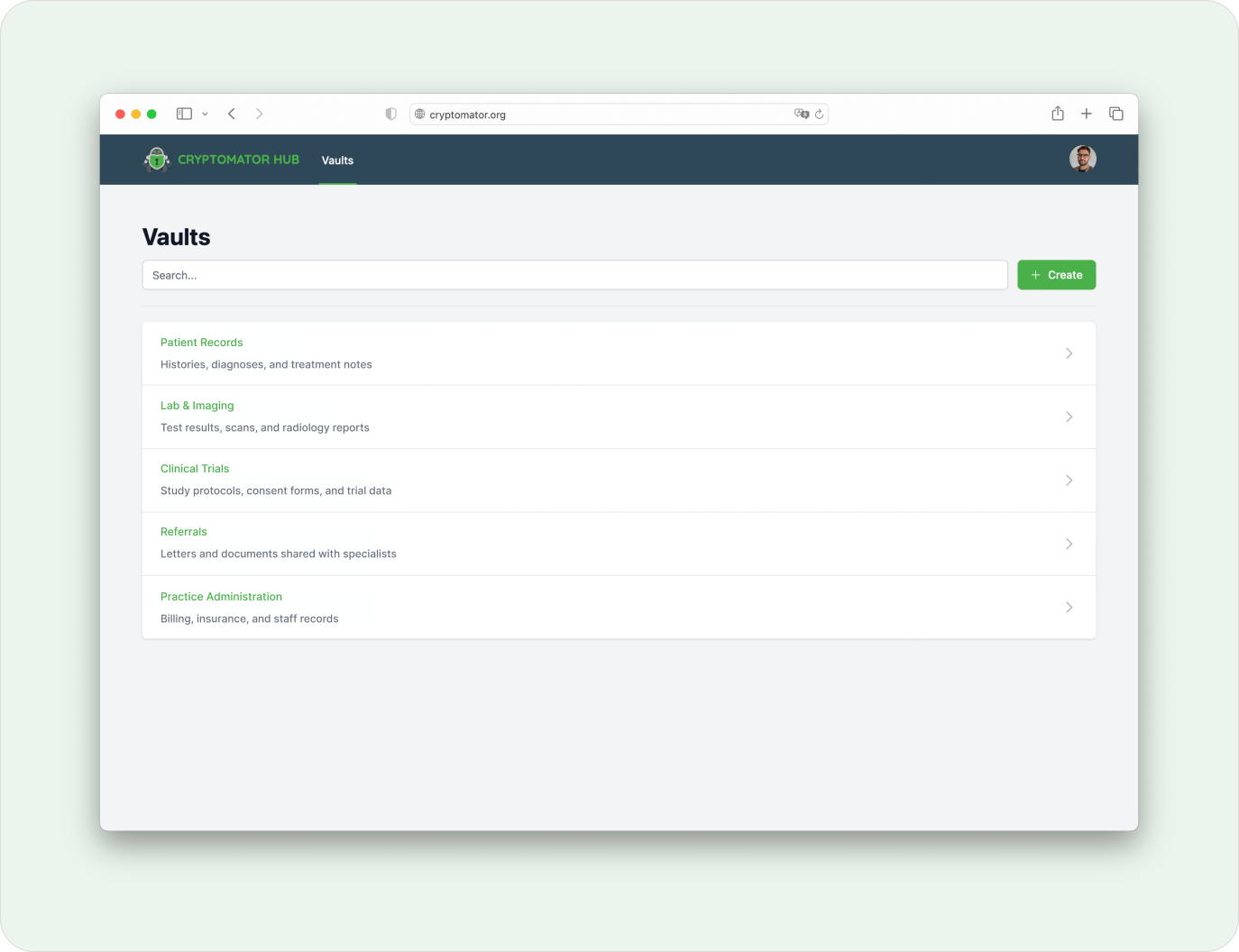
Zero-Knowledge Protection for Patient Records
Patient data is encrypted on the device before it reaches any cloud. Neither the provider nor anyone without access can read it, which keeps records confidential by design.
- Protects patient records, lab results, and medical images
- Works with OneDrive, Nextcloud, Google Drive, S3, and local servers
- Supports HIPAA and GDPR documentation requirements
- Open-source encryption that can be independently audited
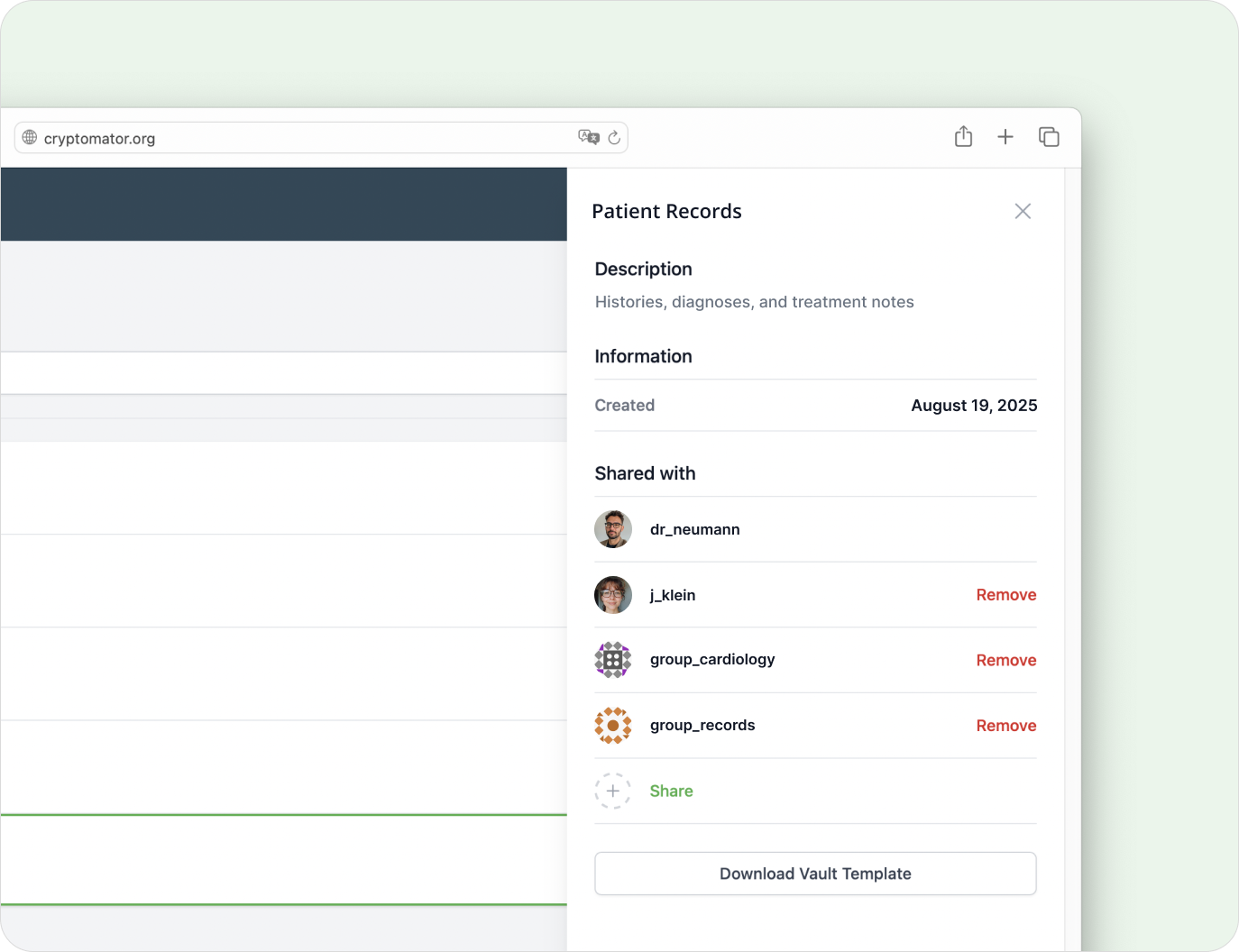
Access Control for Clinical and Administrative Teams
Grant and revoke access to vaults per person or group, so treatment teams, administration, and external specialists each see only what they should.
- Access control on user and group level
- Separate vaults for wards, practices, or studies
- Revocable permissions for external specialists
- Audit log of access and permission changes
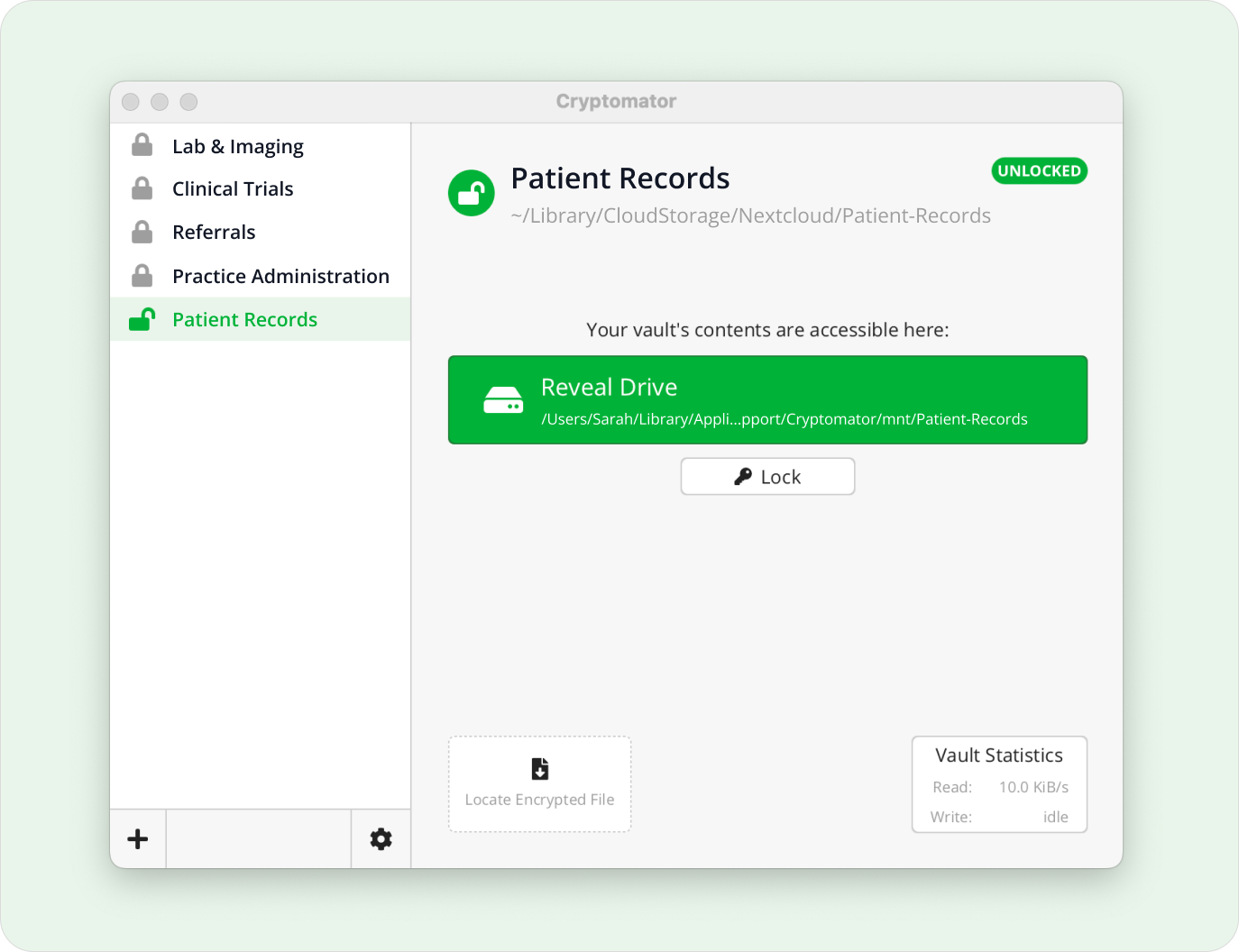
Secure Collaboration Across Sites and Partners
Give referring physicians, research partners, or sponsors access to a dedicated vault, so they see only the data you intend.
- Shared vaults for care teams and partner sites
- Control over sensitive treatment and study data
- Vendor-independent cloud storage
- Confidential exchange with external partners
Frequently Asked Questions
- Is Cryptomator HIPAA-compliant?
- Cryptomator provides the encryption that HIPAA expects for protected health information: files are encrypted on the device with AES-256 before they reach the cloud. Compliance always depends on your full setup, but client-side, zero-knowledge encryption is a strong technical safeguard for ePHI.
- Can Cryptomator protect patient records stored in the cloud?
- It can. Patient records, lab results, and medical images are encrypted before upload, so the cloud provider and anyone without access cannot read them. This keeps health data confidential even if a cloud account is compromised.
- Does it support GDPR requirements for health data?
- It supports them. Encrypting personal health data on the device keeps it unreadable to third parties, which helps with the GDPR’s requirements for protecting special categories of data. Access to each vault is logged so you can document who could open it.
- Can clinics control which staff can open which records?
- Yes. With Cryptomator Hub you assign vault access per person or group, for example per ward, practice, or study, and revoke it at any time. Every access change is traceable.
- Does Cryptomator work with the cloud and systems we already use?
- It does. Cryptomator runs on top of OneDrive, Google Drive, Nextcloud, S3, and local or on-premise servers, so you can add encryption without replacing your existing infrastructure.
- What encryption does Cryptomator use for medical data?
- Cryptomator uses AES with a 256-bit key length, and filenames are encrypted as well. The encryption is open source and can be independently audited; details are in the security architecture.
Ready to implement this solution?
Our team supports you with implementation guidance on configuration and setup.
Contact Us