 CRYPTOMATOR HUB
Protect Employee Data with Cryptomator
Encrypt personnel files, payroll data, and applicant records before they reach the cloud. Cryptomator Hub keeps HR documents confidential and gives you full control over who can open them.
Use Cases
How HR teams keep personnel and applicant data confidential
Personnel Files
Keep contracts, performance reviews, and disciplinary records confidential and accessible only to the right people.
- Encrypted employee records
- Access limited to HR roles
- Protection for contracts and reviews
- Support for GDPR obligations
Payroll & Benefits
Protect salary data, tax documents, and benefit records that must stay private inside and outside the company.
- Encrypted payroll and tax files
- Secure exchange with payroll providers
- Protection of bank and benefit details
- Controlled access for finance and HR
Recruiting & Applications
Handle applicant data and references confidentially, from first contact through to the hiring decision.
- Encrypted applicant records
- Secure sharing with hiring managers
- Protection of references and assessments
- Clean deletion when retention ends
External Advisors
Give lawyers, auditors, or consultants access to a dedicated vault without opening up your whole file store.
- Vault access per advisor or case
- Revocable permissions
- Traceable access records
- Vendor-independent storage
Key Features
Encryption built for the confidentiality HR data demands
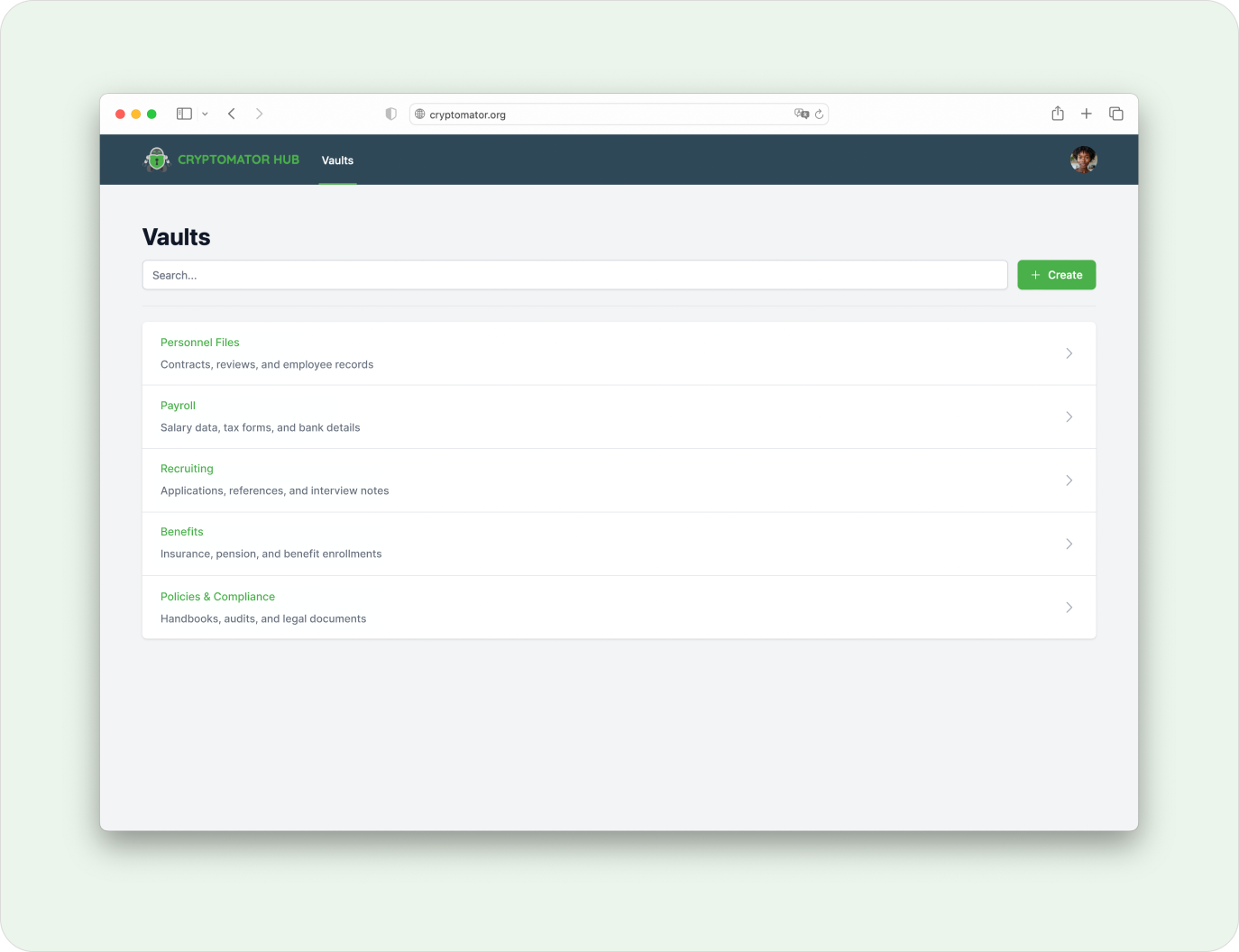
Zero-Knowledge Protection for Personnel Files
HR documents are encrypted on the device before they reach any cloud, so neither the provider nor anyone without access can read them. Personnel data stays confidential by design.
- Protects contracts, reviews, payroll, and applicant records
- Works with OneDrive, Nextcloud, Google Drive, S3, and local servers
- Supports GDPR requirements for employee data
- Open-source encryption that can be independently audited
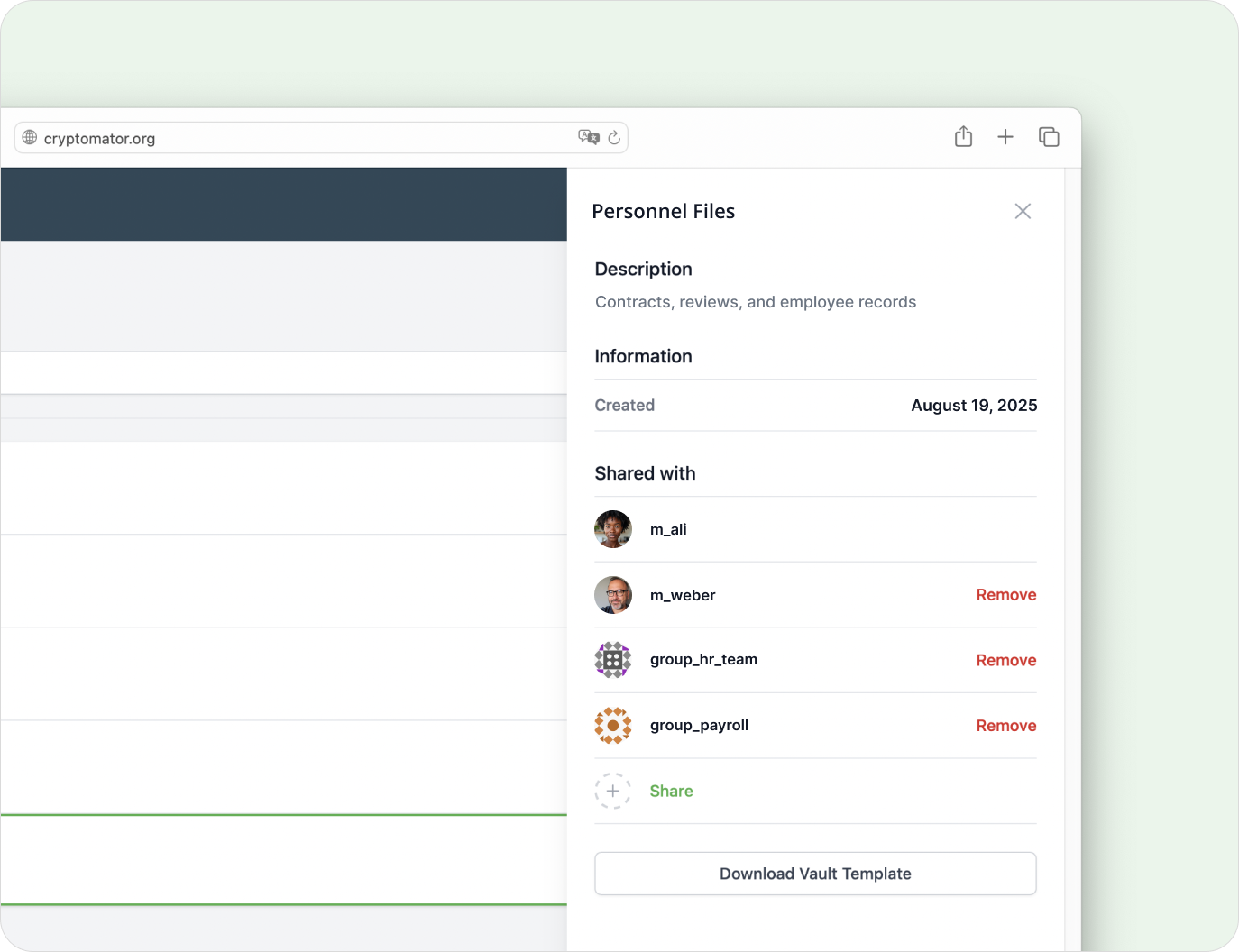
Access Control for HR, Finance, and Managers
Grant vault access per person or group so HR, finance, and line managers each see only the documents that concern them.
- Access control on user and group level
- Separate vaults for personnel, payroll, and recruiting
- Revocable permissions for managers and advisors
- Audit log of access and permission changes
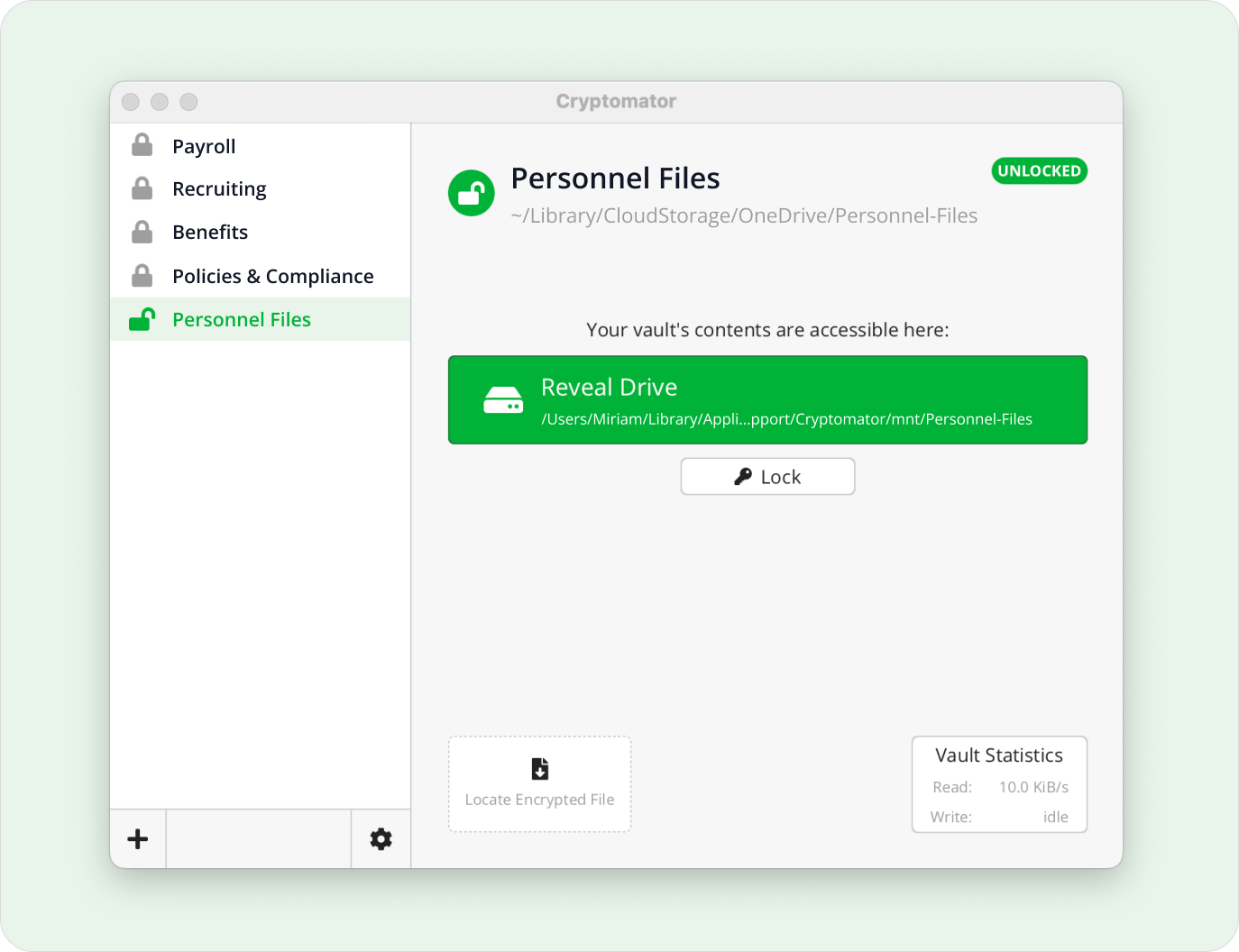
Secure Sharing with Payroll Providers and Advisors
Set up a dedicated vault for external payroll services, auditors, or legal counsel, without opening your other HR records.
- Shared vaults for specific advisors or cases
- Control over salary and contract data
- Vendor-independent cloud storage
- Confidential exchange with third parties
Frequently Asked Questions
- Why should HR teams encrypt employee data?
- Personnel files, payroll data, and applicant records are among the most sensitive data a company holds. Cryptomator encrypts these files before they reach the cloud, so they stay confidential even if a cloud account is breached or a device is lost.
- Does Cryptomator help with GDPR for employee data?
- It does. Encrypting employee data on the device keeps it unreadable to the cloud provider and unauthorized people, which supports the GDPR’s requirements for protecting personal data. Access to each vault is logged so you can document who could open it.
- Can we limit access so only HR can open personnel files?
- Yes. With Cryptomator Hub you grant vault access per person or group, so HR, finance, and managers each see only what concerns them. Permissions can be revoked at any time and every change is traceable.
- Can we share documents with an external payroll provider securely?
- Put the relevant documents in a dedicated vault and share that vault with the provider, auditor, or legal advisor. When the work is done, you revoke that access without touching your other vaults.
- Does it work with the HR and cloud tools we already use?
- It works with all of them. Cryptomator runs on top of OneDrive, Google Drive, Nextcloud, S3, and local servers, so you keep your current storage and add encryption on top of it.
- What happens to access when an employee leaves?
- You revoke their vault access in Cryptomator Hub, and they can no longer open the files. Because access is managed centrally, offboarding stays clean and auditable.
Ready to implement this solution?
Our team supports you with implementation guidance on configuration and setup.
Contact Us