 CRYPTOMATOR HUB
Protect Privileged Documents with Cryptomator
Encrypt case files, contracts, and client correspondence before they reach the cloud. Cryptomator Hub helps law firms and legal departments protect confidentiality while working with their usual tools.
Use Cases
How law firms and legal teams keep client and case data confidential
Law Firms
Protect client files and privileged communication across the firm without changing how your team stores documents.
- Encrypted case and client files
- Protection for privileged communication
- Separate vaults per client or matter
- Support for confidentiality obligations
In-House Legal Teams
Keep contracts, board materials, and compliance documents confidential within the company and toward outside counsel.
- Encrypted contracts and board documents
- Controlled access for legal and management
- Secure exchange with outside counsel
- Protection of compliance records
Notaries & Conveyancing
Secure deeds, identity documents, and transaction files that must stay confidential and verifiable.
- Encrypted deeds and transaction files
- Protection of client identity data
- Secure handover to parties involved
- Vendor-independent storage
Litigation & E-Discovery
Protect evidence, discovery sets, and expert reports while collaborating with co-counsel and clients.
- Encrypted evidence and discovery files
- Secure sharing with co-counsel
- Protection of expert reports
- Traceable access for each matter
Key Features
Encryption built for the confidentiality the legal profession requires
Zero-Knowledge Protection for Case Files
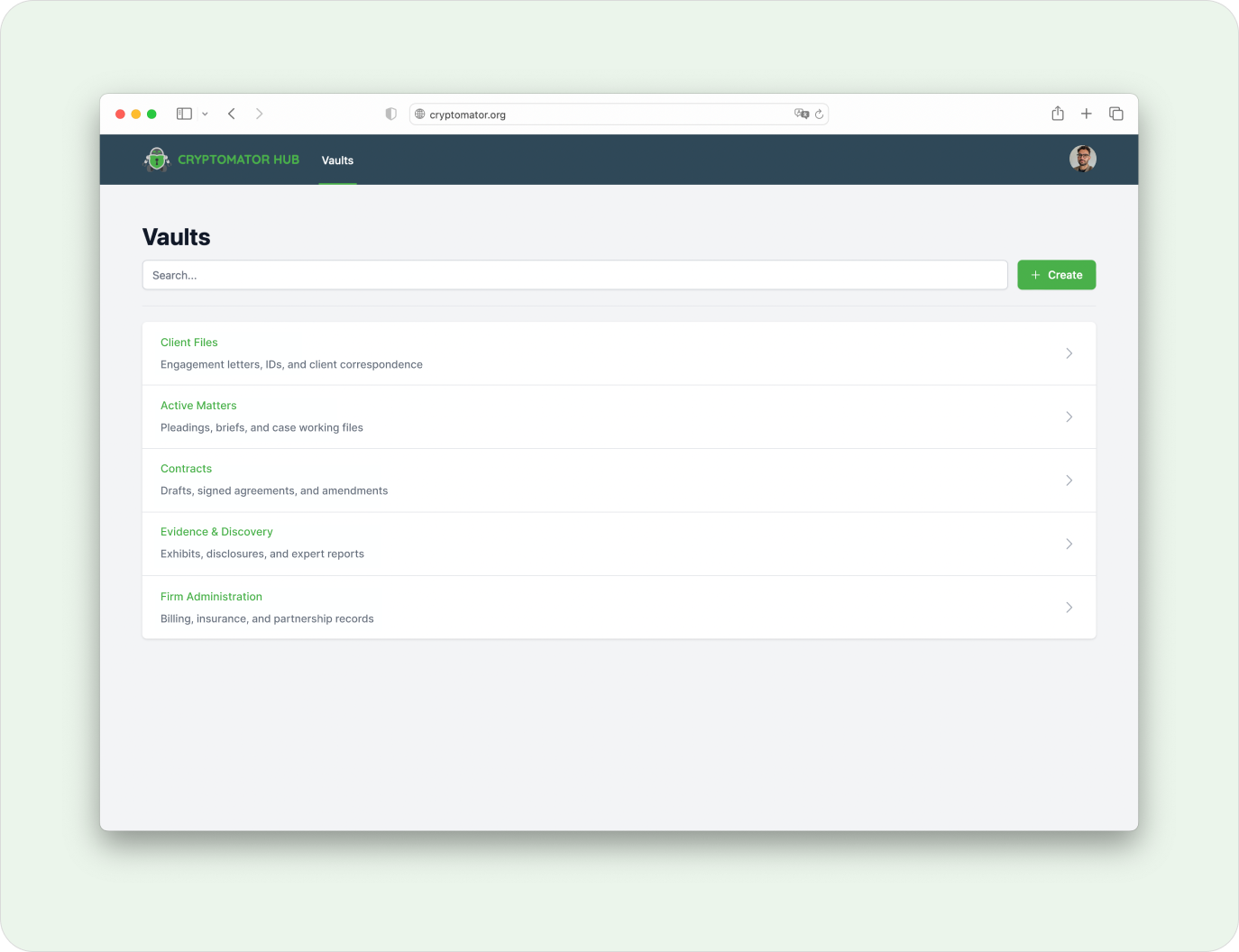
Documents are encrypted on the device before they reach any cloud, so neither the provider nor anyone without access can read them. Privileged material stays confidential by design.
- Protects case files, contracts, and privileged communication
- Works with OneDrive, Nextcloud, Google Drive, S3, and local servers
- Supports professional confidentiality and GDPR obligations
- Open-source encryption that can be independently audited
Access Control per Client and Matter
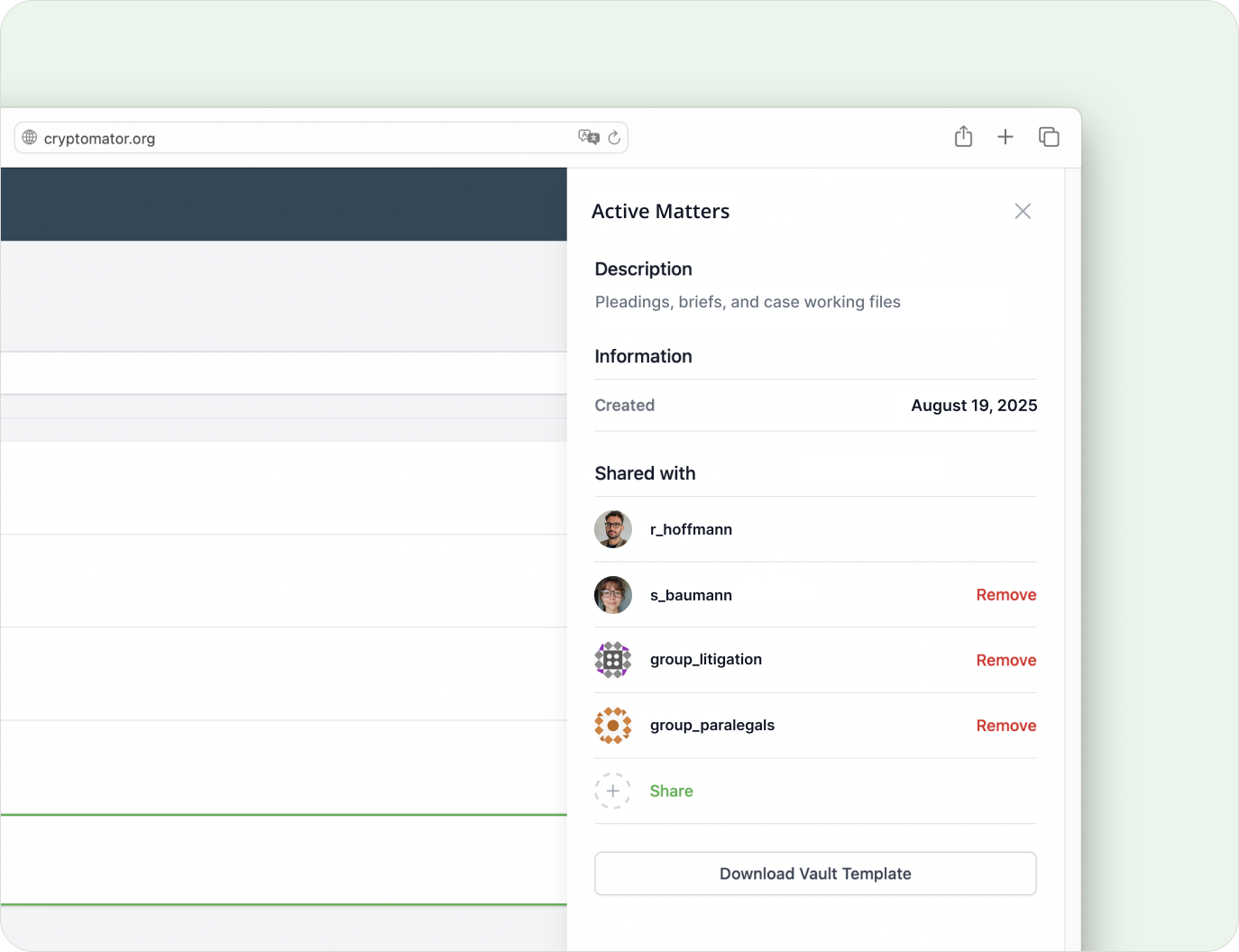
Grant vault access per person or group so each lawyer, paralegal, or external partner sees only the matters they work on.
- Access control on user and group level
- Separate vaults per client or matter
- Revocable permissions for external partners
- Audit log of access and permission changes
Secure Collaboration with Clients and Co-Counsel
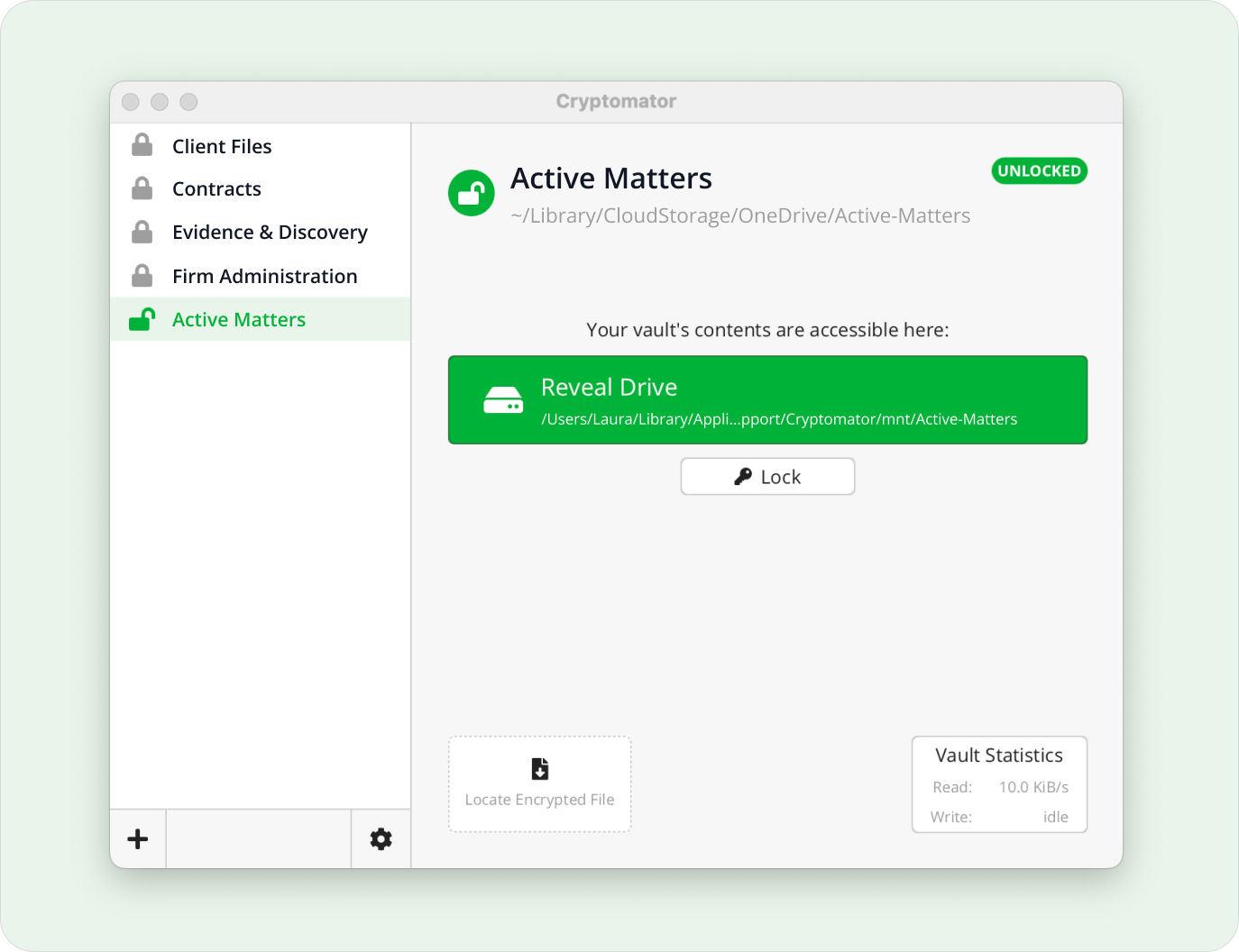
Share a dedicated vault with clients, co-counsel, or experts, so they reach only that matter and nothing else in your store.
- Shared vaults scoped to a single matter
- Control over privileged and confidential data
- Vendor-independent cloud storage
- Confidential exchange with outside parties
Frequently Asked Questions
- Why do law firms use Cryptomator?
- Law firms handle case files, contracts, and privileged communication that must stay confidential. Cryptomator encrypts these documents before they reach the cloud, so they remain protected even if a cloud account is breached or a laptop is lost.
- Does Cryptomator help protect attorney-client privilege?
- It helps. Because documents are encrypted on the device with zero-knowledge encryption, neither the cloud provider nor anyone without access can read privileged material. This supports your duty of confidentiality while still letting you use cloud storage.
- Can we separate access by client or matter?
- You can. With Cryptomator Hub you create a vault per client or matter and grant access per person or group. Each lawyer or paralegal sees only the matters they work on, and access can be revoked at any time.
- Can we share documents securely with clients and co-counsel?
- Put the documents for a matter in a dedicated vault and share that vault with a client, co-counsel, or expert. You can revoke access when the matter ends, and the files stay encrypted in the cloud throughout.
- Does it support GDPR and professional confidentiality rules?
- It does. Encrypting personal and case data on the device keeps it unreadable to third parties, which supports both GDPR and professional confidentiality obligations. Access to each vault is logged for documentation.
- Does Cryptomator work with our existing document storage?
- Yes. Cryptomator runs on top of OneDrive, Google Drive, Nextcloud, S3, and local or on-premise servers, so you can add encryption without migrating your document management.
Ready to implement this solution?
Our team supports you with implementation guidance on configuration and setup.
Contact Us